
storage
ZFS Compression LZ4 vs ZSTD: Which to Use per Dataset
Keep lz4 as the ZFS default and use zstd-3 on logs, documents, backups and archives. Published benchmarks, ea…

RAID Z1 vs Z2 vs Z3 for a home NAS: the parity level to buy for 4, 5, 6 and 8 bays, how drive size shifts the answer, and when Z3 is worth it.
Read the article →Keep lz4 as the ZFS default and use zstd-3 on logs, documents, backups and archives. Published benchmarks, ea…
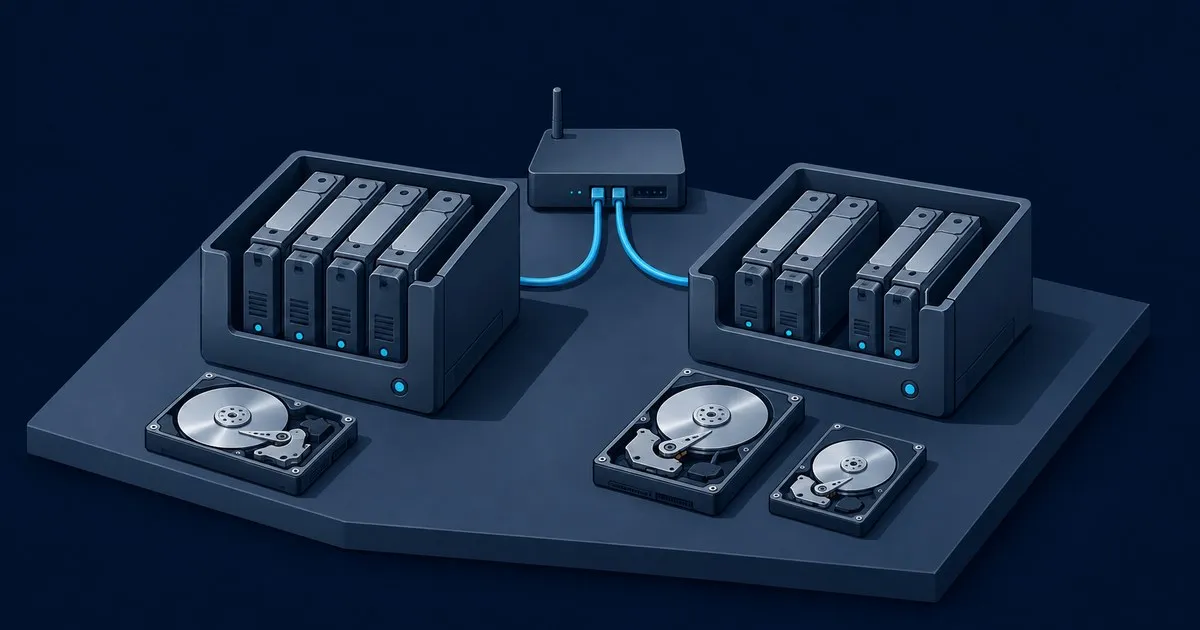
Btrfs ships in the kernel and reshapes on the fly. ZFS gives you parity RAID its own maintainers stand behind…
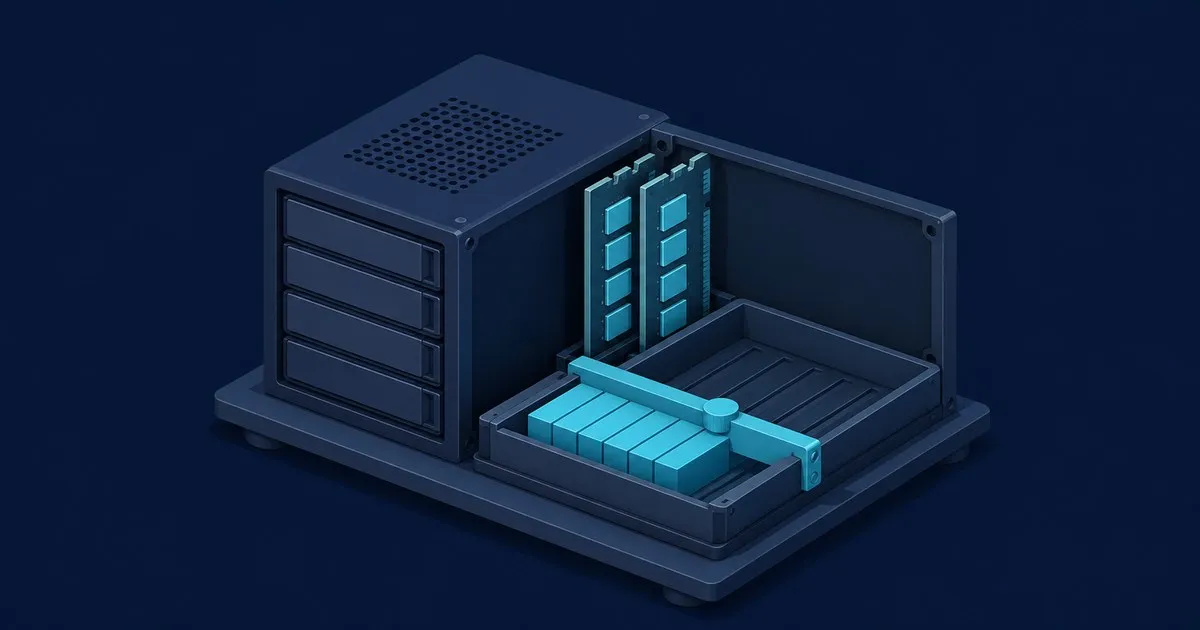
Understand ARC defaults, check real memory pressure, set and roll back Linux cache limits, and decide whether…

ZFS RAM requirements depend on workload, not a 1 GB per TB rule. Budget memory for ARC and applications, then…

How RAIDZ1, RAIDZ2 and RAIDZ3 differ in capacity, failure tolerance and rebuild risk, plus which of those cho…

Read zpool status, distinguish a failed disk from a cable or controller fault, replace the right device, and …
ZFS Storage Hub is a reading guide for people planning or maintaining an OpenZFS system. Start with the question you need to answer, then follow the relevant article to its documentation and examples. The guides below connect the choices made before buying disks with the work of looking after an existing installation. There is no requirement to read them in publication order.
Write down what the system will store, how much room it needs now, and how you expect it to grow. Use the parity guide for vdev boundaries and fixed layout choices, then put the proposed disk count into the calculator. For the broader mirrors comparison, the linked TrueNAS Guide article is the network's reference. Keeping these questions separate makes it easier to compare two plans without confusing capacity with recovery or performance.
The RAIDZ parity comparison puts the three levels in one table and follows the choice through a device failure, a replacement and future expansion. Read it before spending the last available bay on capacity. It also explains where support devices fit in the design, which settings stay attached to a vdev, and what belongs in a scrub and backup plan.
Use the ZFS hardware and RAM guide when choosing a host or reviewing an existing parts list. It separates workload memory planning from storage capacity, explains the often repeated RAM-per-TB shortcut, and covers controllers, sector alignment and drive recovery behavior. If the filesystem itself is still undecided, the ZFS vs Btrfs comparison provides a separate starting point for that choice.
Already have a host and want to understand its memory graph? The ZFS ARC size guide starts with the current configuration and memory pressure before discussing limits. Follow that route for inspection commands, distribution differences and rollback steps. Return to the hardware guide when the question is how much RAM to purchase, so a runtime cache setting does not become an accidental buying rule.
When a pool reports a problem, start with reading a DEGRADED zpool status. It shows an example status block and explains the device states, error counters, replacement identifiers and checks after a resilver. Keep the complete output alongside the recovery plan, then use the hardware and parity guides for the longer-term decisions behind the incident. Browse topics or the full list of guides to find the rest of the published coverage.